Subscription and billing · step 2 of 2
Balance and the Plan generator: what is billed separately
Your agents work on your own Claude or OpenAI subscription. The one thing billed separately is featureloom’s model that writes plans in the app: from the trial package first, then from the organization’s balance.
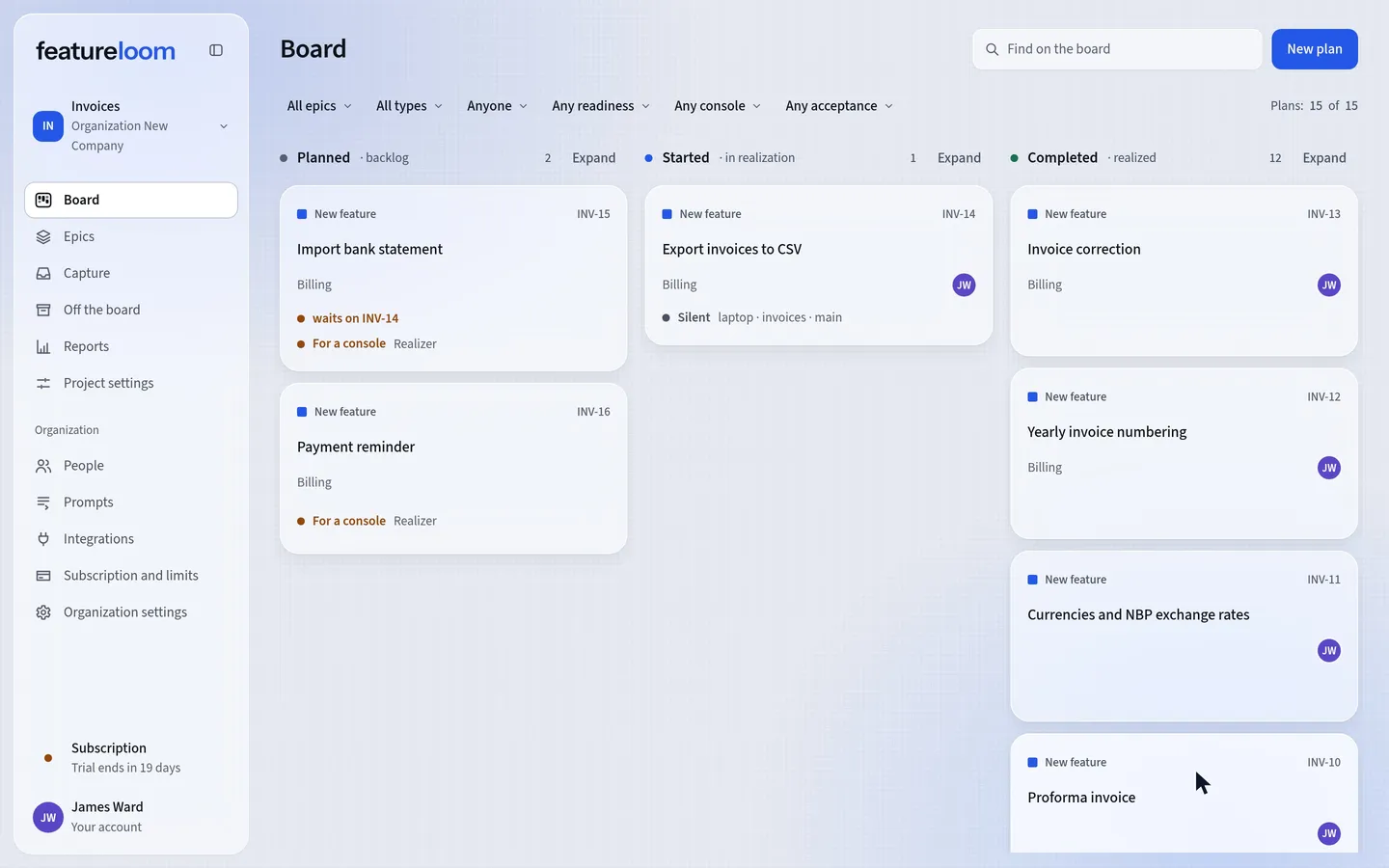 Play the film: Balance and the Plan generator: what is billed separately
Contents
See the model in the Plan generator
In the menu, open Integrations. The Plan generator card shows which model writes plans from meeting transcripts and documents, and in the Model list you choose one of the models available. Generated plans shows what was made in the organization, newest first.
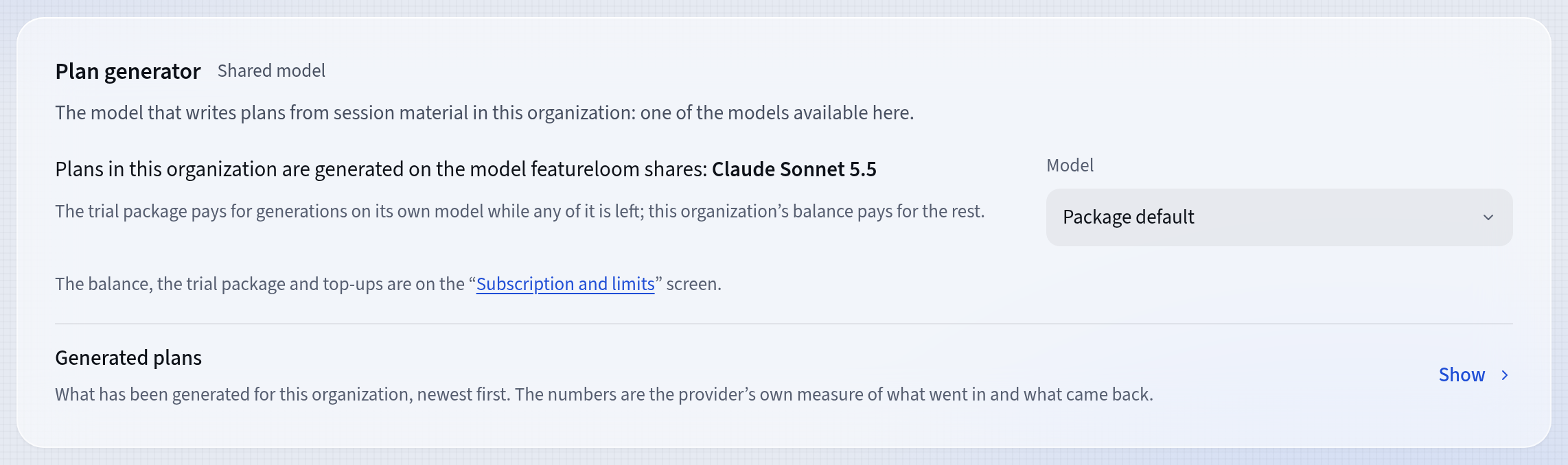
The model that writes plans Check the balance and the trial package
In the menu, open Subscription and limits. The Balance and trial package card shows what pays for the model. The trial package goes first while it lasts: on its own model, with the tokens left. The organization’s balance pays for the rest.
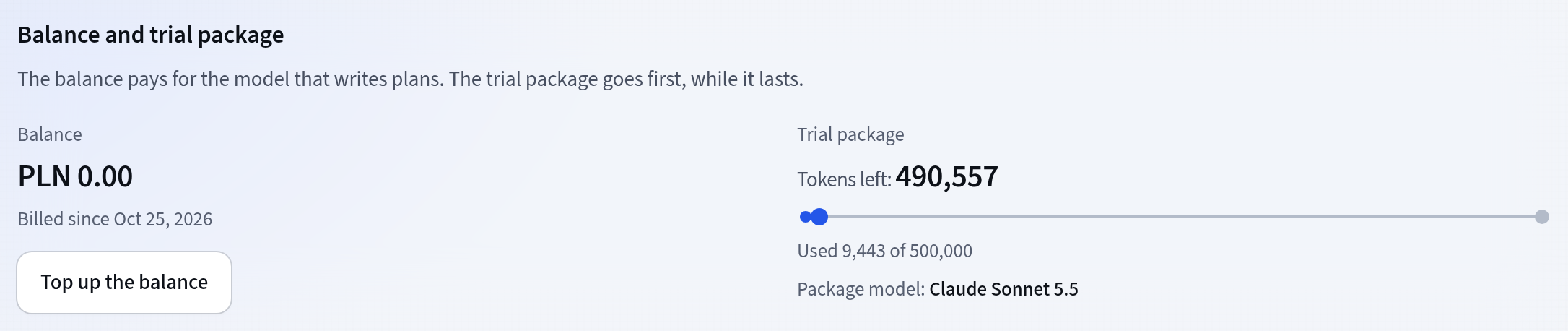
The package first, then the balance Buying a subscription ends the trial, but the unused trial package stays.
Show entries unfolds the Balance entries: every top-up, correction and charge for the model, newest first. A charge shows its tokens, the model’s prices, the exchange rate and the margin. Model usage on the Plan generator card shows the tokens month by month.
Top up the balance
On the Balance and trial package card, press Top up the balance, type the amount in the balance’s currency and go on to the payment with Stripe. The balance receives the net amount; tax, where due, is added by Stripe at payment. The form gives the smallest and the largest amount of one top-up.
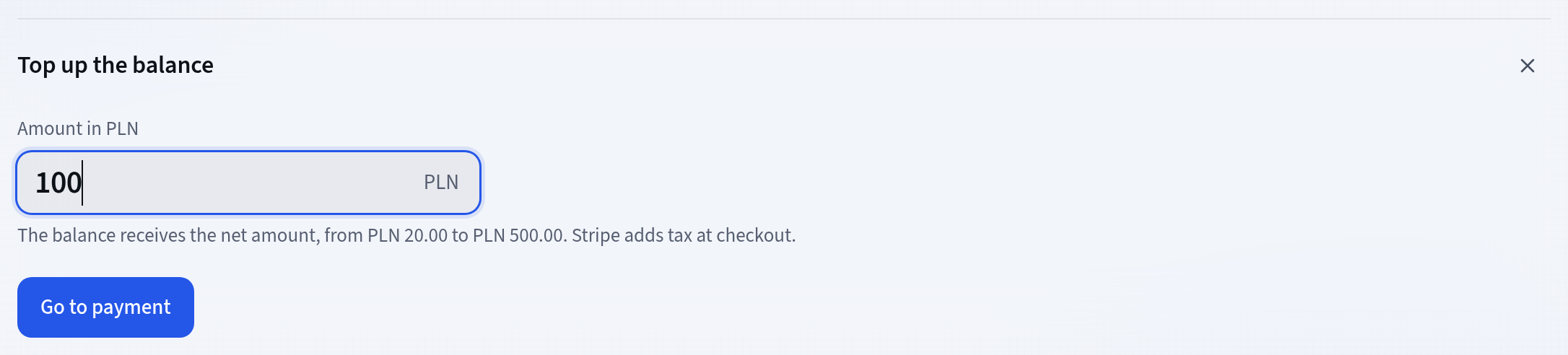
A top-up through Stripe On the Enterprise plan the featureloom operator keeps the balance under the contract.
When the balance runs out
When the package is used up and the balance falls to zero, featureloom refuses the next plan with a message that the organization has no funds left for the model, and asks for a top-up. A plan already being written still finishes, even if the balance goes below zero. The next top-up covers that minus.
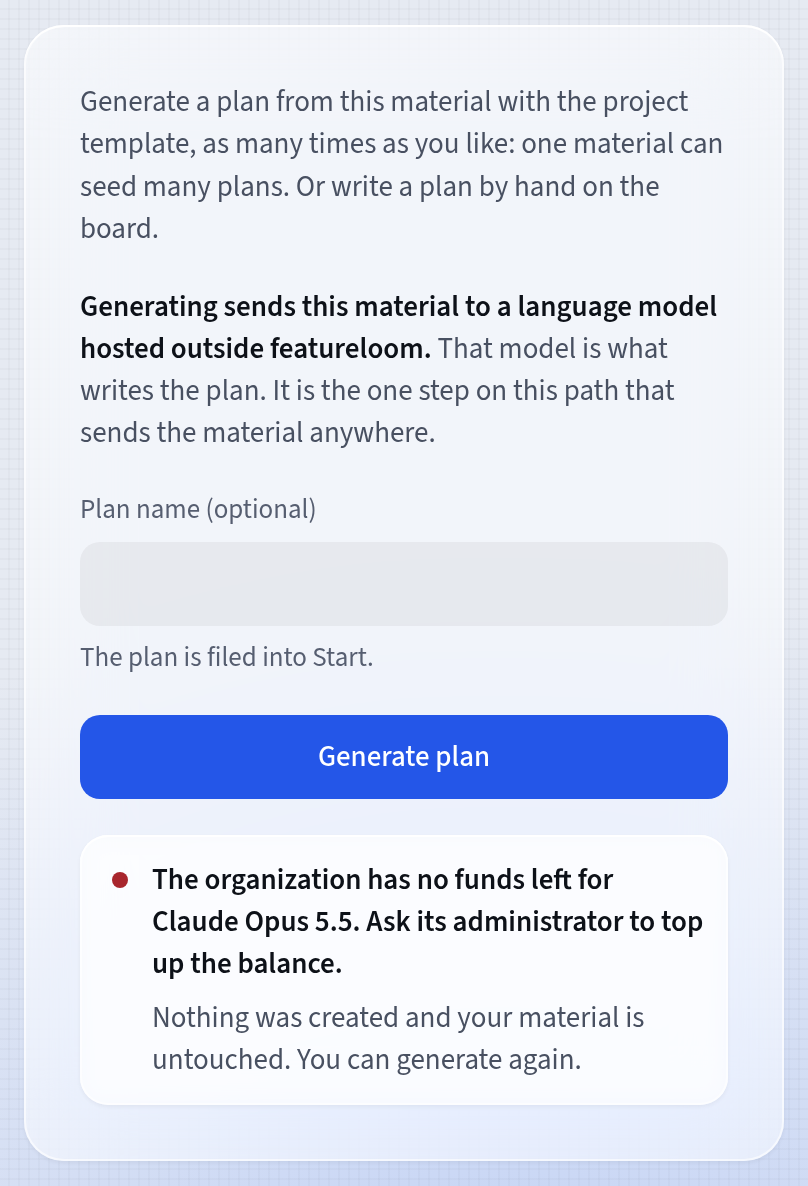
Without funds, no plan is made
Good to know
- Your connected consoles do not draw on the balance: Claude Code, Codex and Cursor work on your own subscription with Anthropic, OpenAI or Cursor.
- An acceptance list you prepare when you accept a plan is also work of featureloom’s model, paid by the package or the balance.
- The models’ prices in every balance currency are on the featureloom price list, in its part on the AI model.
- The balance, its entries and the model usage are in the organization’s export too.
Updated: November 6, 2026
Next
Tutorials
All featureloom tutorials are in one place.
See the tutorials