How featureloom works
Plan on the board, agent in the console, acceptance with you.
A plan is a document on a kanban board. An agent in Claude Code, Codex or Cursor gets it with one command together with your team’s prompt, delivers it and reports. You give the verdict, and the board records who did what.
No bot joins your meeting, and featureloom does not connect to your code: it holds what people and agents write into it themselves.
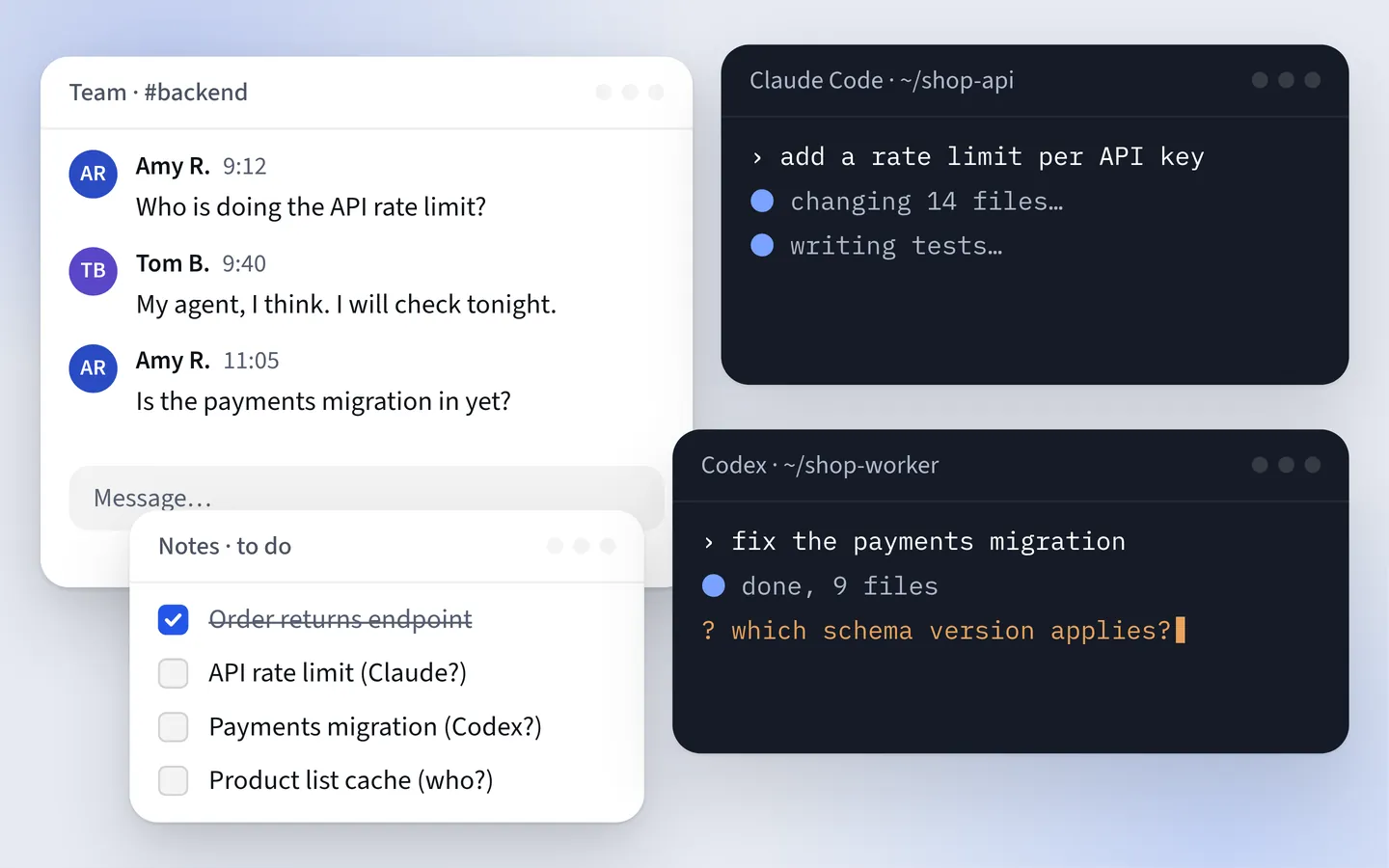 Play the film: How featureloom works
A plan’s road
Six steps from an idea to a report.
Step 1 of 6
The plan lands on the board
You write it yourself, generate it in the app from pasted text or a PDF or Word document, or an agent creates epics and plans from a meeting transcript you hand it as a file. The plan lands in the column marked backlog.
Step 2 of 6
The agent gets everything
The command from the plan gives it the prompt with your team’s process, the whole plan document and the documents of the delivered plans it directly depends on.
Step 3 of 6
Delivery
The agent takes the plan on: the card moves to the column marked in realization and shows the person and the console working on it. The agent adds notes and, when it is missing something, asks in the plan.
Step 4 of 6
The report
The agent reports the plan delivered, and the card moves to the column of delivered plans. The agent chooses neither the column nor the order.
Step 5 of 6
Acceptance
You click Accept or Do not accept and can add your reasons. After a rejection, the agent reads the verdict and goes back to rework.
Step 6 of 6
Reports and history
Reports with no setup show what was delivered and accepted and who did it. A plan keeps its last 100 versions, and an administrator downloads the whole organization as one ZIP file.
The agent and acceptance
The agent works on the board. A person gives the verdict.
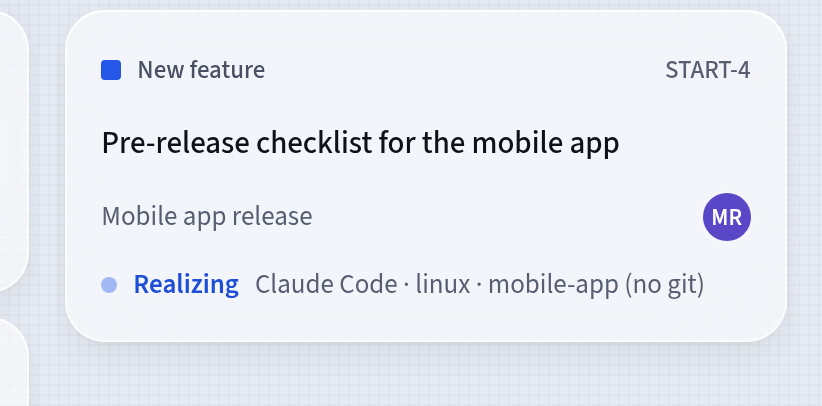
The plan’s card shows who is working on it
When the agent takes a plan on, the card changes column and shows the session: the person, their console and a short note the console may give itself, such as the machine, repository and branch. The agent’s progress notes and questions go into the plan document.
- The agent takes only a ready plan, one whose predecessors are delivered
- The server refuses to start a plan that waits on another
- The agent’s question waits in the plan for your answer
Acceptance stays with people
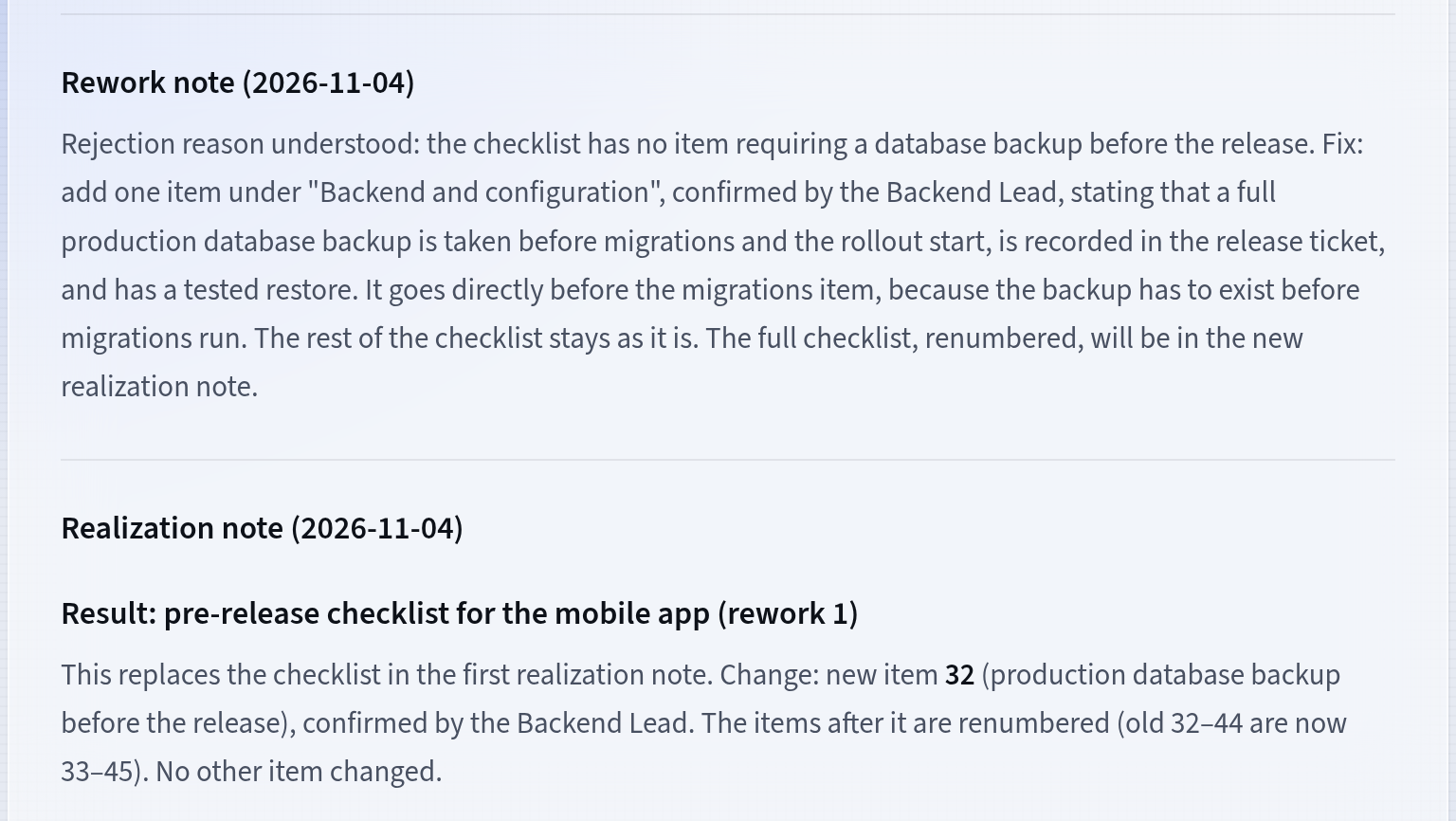
You accept a delivered plan in the app: Accept or Do not accept, with or without reasons. The server refuses a verdict sent from a console or an automation. After a rejection, the agent reads the verdict, goes back to work and reports the rework.
- The verdict is recorded: who decided, when and why
- For a plan generated in the app you can prepare an acceptance list
- Reports count accepted plans week by week
Rights and signatures
People decide. The board remembers who did what.
Five rights for a person, four for their consoles
A person has five rights: Administrator, Realizes plans, Writes plans, Edits prompts and Deletes permanently. Their consoles act with the last four, and an automation has its own four. A new person has Realizes plans from the start; an administrator grants the others on the People screen.
- A console always reads, and each write needs one right
- A change of rights applies from the next call
- Only a person gives the acceptance verdict, never a console
Who did what, recorded in the plan
New versions of a plan record who saved them, and you can restore any of them. Starting and reporting the work, the acceptance verdict and the agent’s questions record who did them: the person, their console or an automation.
- A plan keeps its last 100 versions
- Deleting a plan deletes its history too, and an administrator can download the whole organization as a ZIP export
- Every person sees the reports, and an administrator also the cost of featureloom’s AI model
Give your agents the plans. Keep the decisions.
30 days free, no payment card needed. You connect Claude Code, Codex or Cursor in a few minutes.