Start here · step 6 of 7
Acceptance: Do not accept and the agent’s rework
You do not have to accept your agent’s work: write a reason and give it the plan again, and it fixes the work and reports it again.
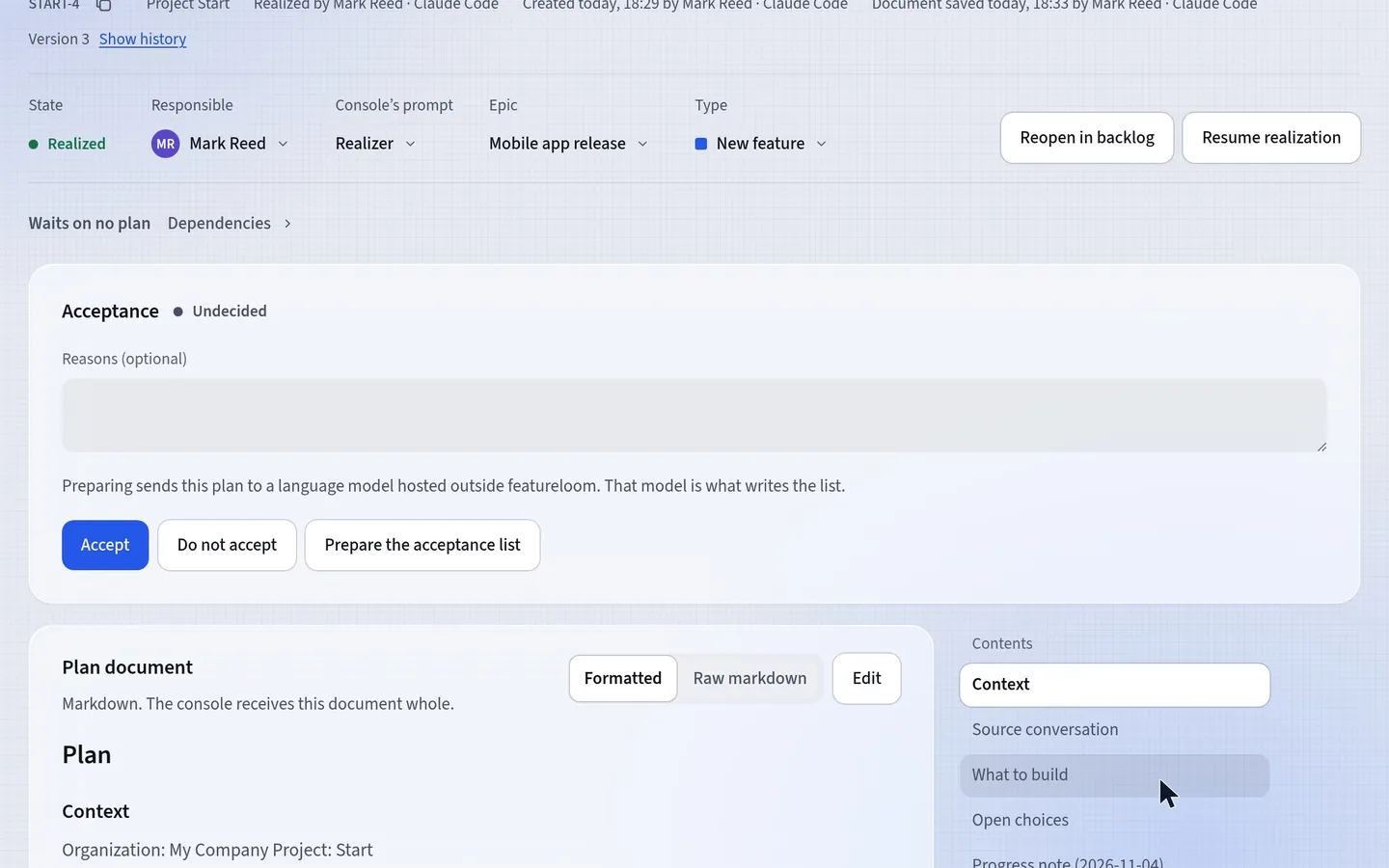 Play the film: Acceptance: Do not accept and the agent’s rework
Contents
Write a reason and press Do not accept
In the Acceptance section, type the reason in the Reasons field and press Do not accept. In the film, the reason is: Add an item about a database backup before the release.
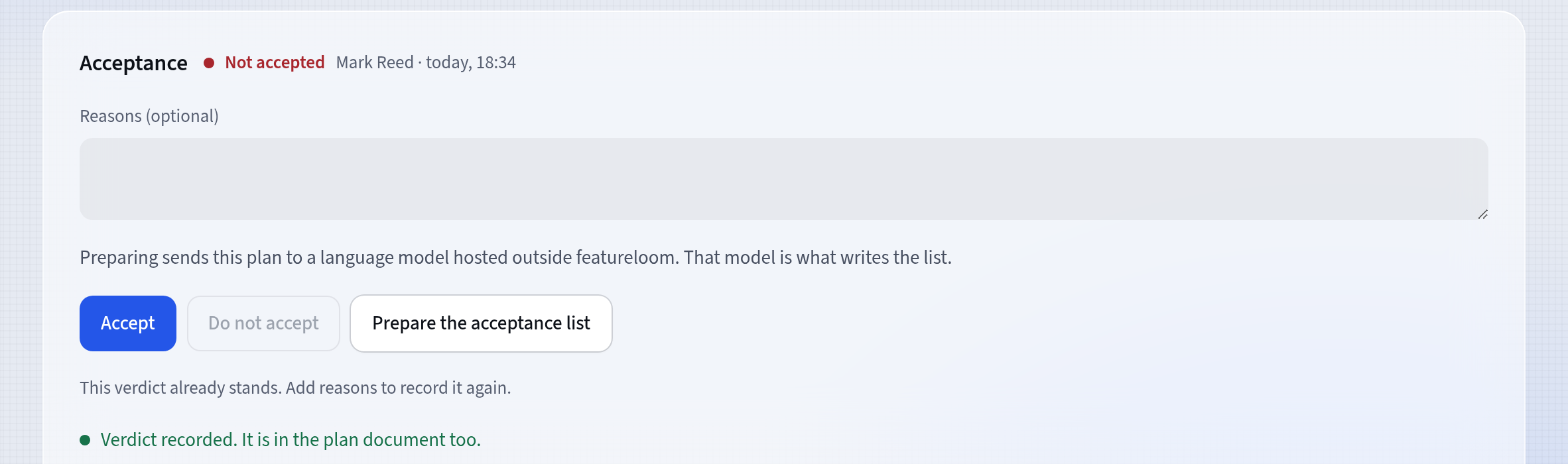
The verdict recorded The verdict stays in the plan
The verdict and its reason stay in the plan document, in a dated Acceptance section.
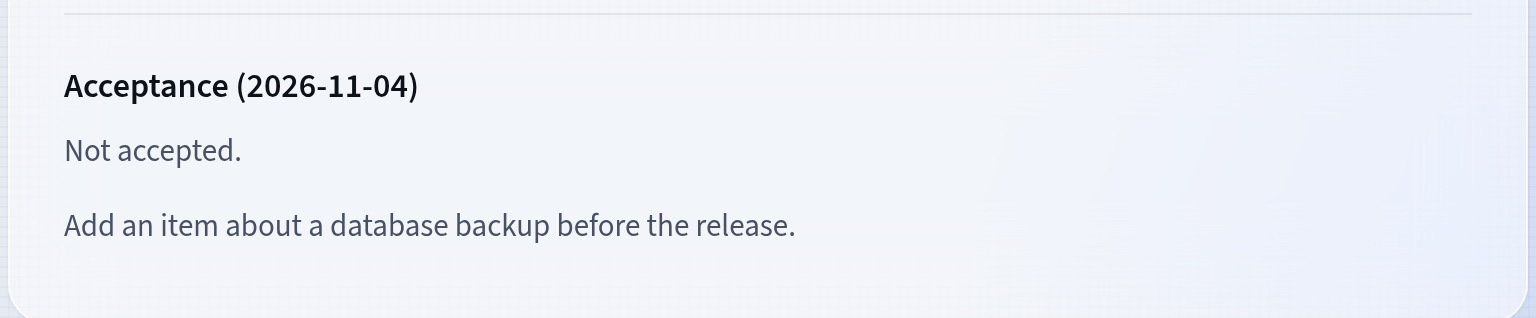
The verdict in the plan document Paste the same command again
In the console, paste the same Command for a console. In the film, that was:
featureloom realizer START-4The agent reads your verdict, takes the plan back into realization and writes down what it will fix. The card returns to Started. After the fix, the agent reports the plan again, and the card is back in Completed.
Check the fix and accept
The document has gained a Rework note and a second Realization note, in the film now with the backup item. When everything is right, press Accept: this verdict stays in the plan too.
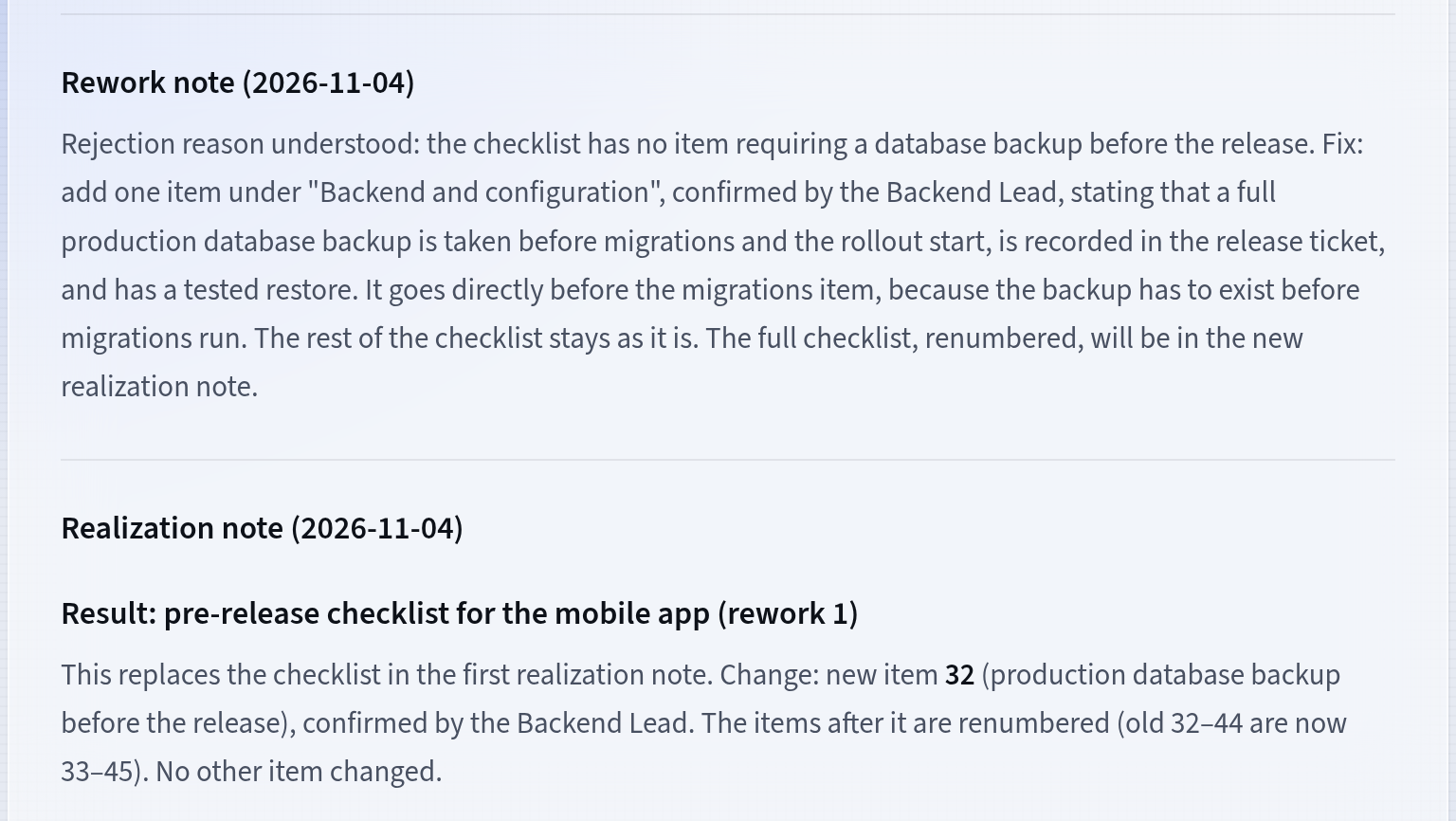
The fix in the plan document
Good to know
- The Reasons field is optional, but with a reason the agent knows what to fix.
- Every verdict, accepted or not, stays in the plan document as a dated Acceptance section.
Updated: November 5, 2026
Next
Invite people and grant rights
Invite your team from the People screen: everyone gets their own account, and their rights say what their consoles may do.
See the tutorial