Start here · step 3 of 7
Your agent writes a plan from a console conversation
Tell your agent in the console what you need, and it creates the plan on your board.
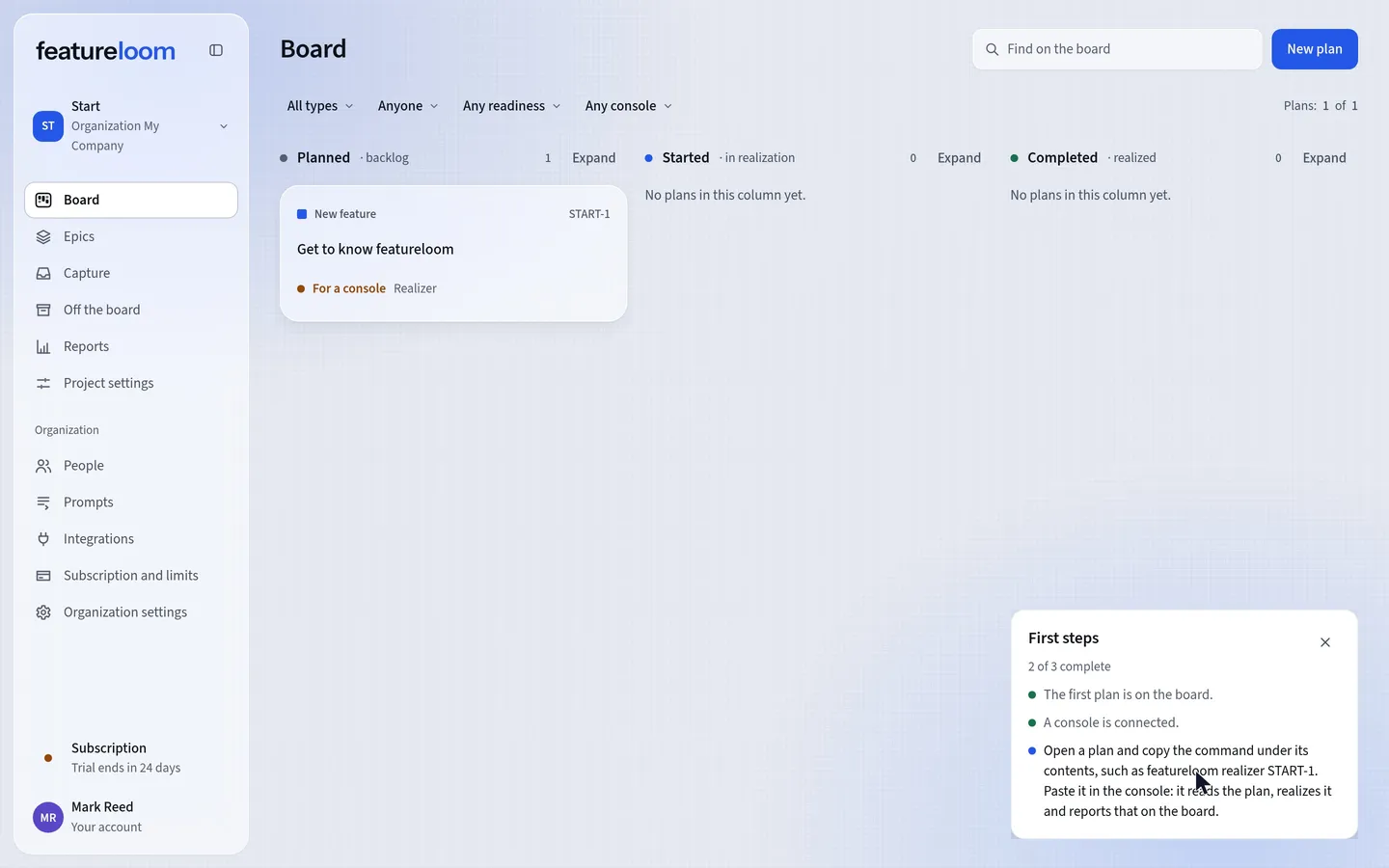 Play the film: Your agent writes a plan from a console conversation
Contents
Ask your agent for a plan
Start Claude Code in your project’s folder and send the command. The agent receives the Planner prompt and asks what you need.
featureloom plannerWhen it answers, say briefly what should be made. In the film, that was:
Create one plan: a pre-release checklist for our mobile app, with the role that confirms each item, no names. The result is the list in the realization note. At the end, give only the plan’s number and name.When the console asks to use featureloom’s tools, allow it. The agent reads the plan template and what is already on the board, creates the plan, and at the end lists its number and name.
Refresh the board
The new plan is in the Planned column. Its card shows For a console: Realizer, so the plan is waiting for an agent with that prompt.
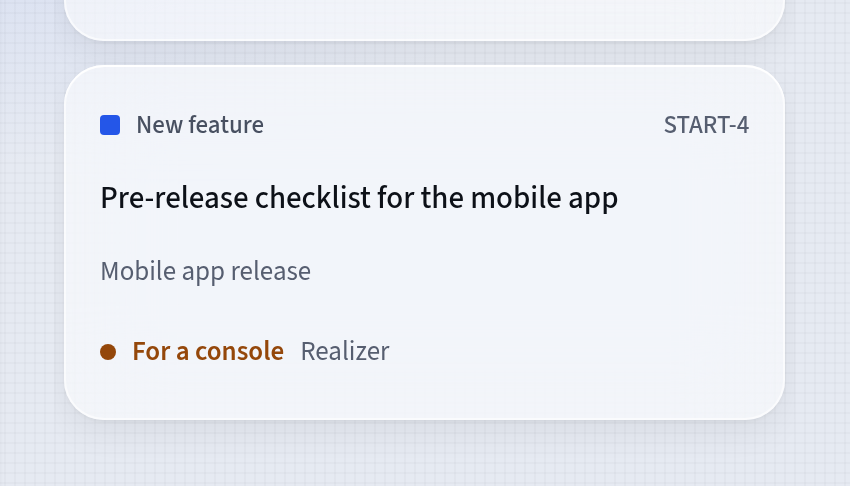
The new plan in the Planned column Open the plan
The document has the plan template’s sections and the content of your request. Its Console’s prompt is Realizer, waiting for a console.
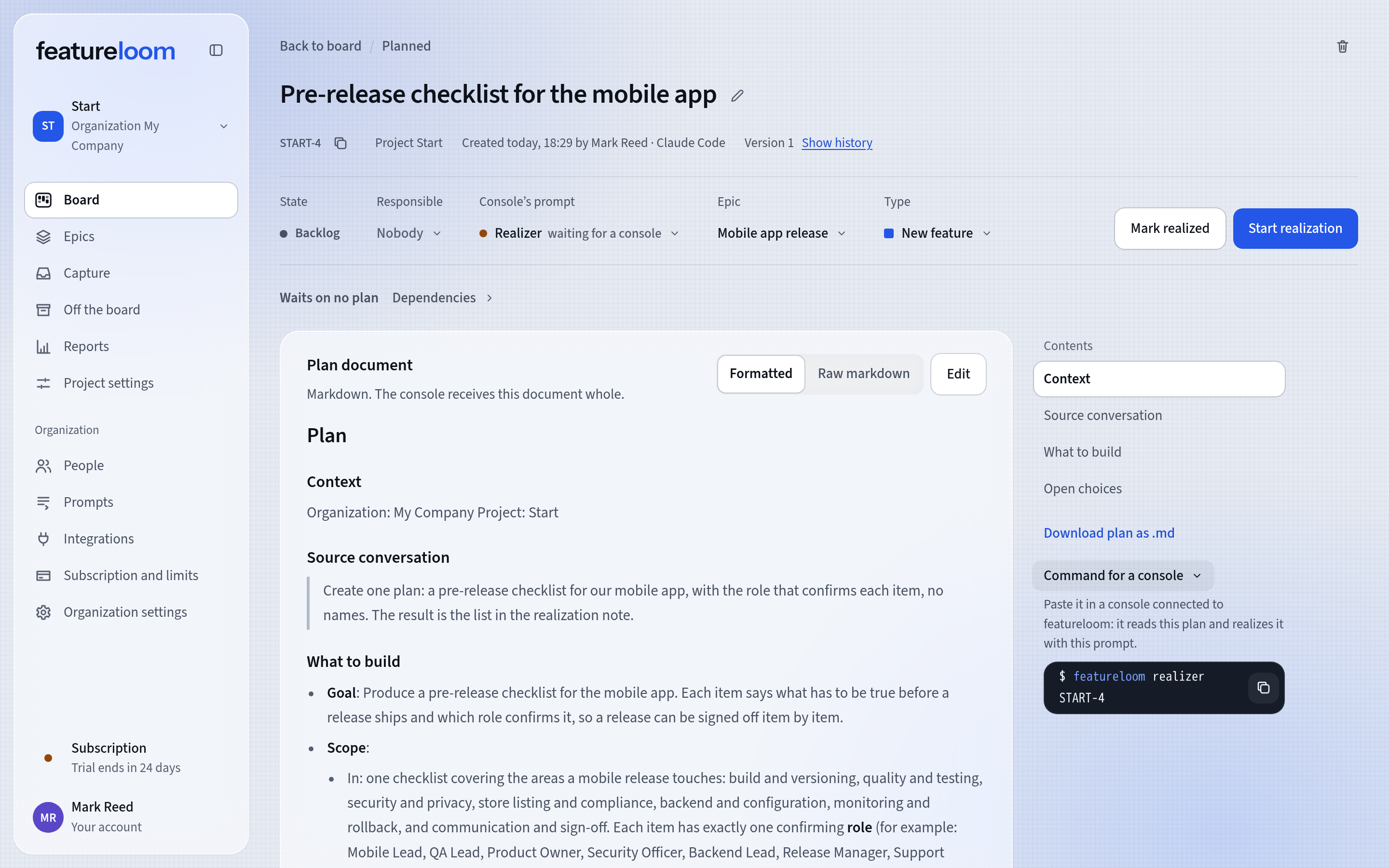
A plan your agent wrote The Command for a console
Below the table of contents, the Command for a console is ready. With it, an agent can realize this plan; the tutorial Your agent realizes a plan from the board shows how.
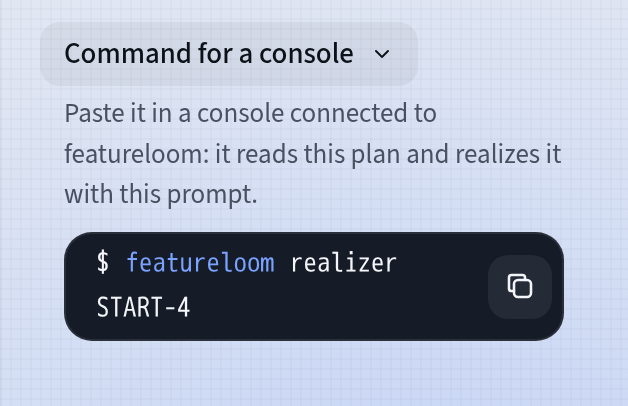
The Command for a console
Good to know
- Every new organization has the Planner and Realizer prompts. You find them under Prompts in the menu, and you can change them.
- When your request calls for it, the Planner also creates an epic and puts the plan in it. In the film, it created the epic Mobile app release.
- You and your console create the plan: the plan’s screen shows “Created (date) by your name · Claude Code”.
- You change a plan your agent wrote like any other: the Edit button above the document.
Updated: November 5, 2026
Next
A plan in the app from your meeting transcript
A plan without a console: you paste your meeting transcript, and a cloud language model writes the plan.
See the tutorial