Start here · step 1 of 7
Set up your organization
You can set up a featureloom organization on your own, for yourself or for your company, and try it free for 30 days.
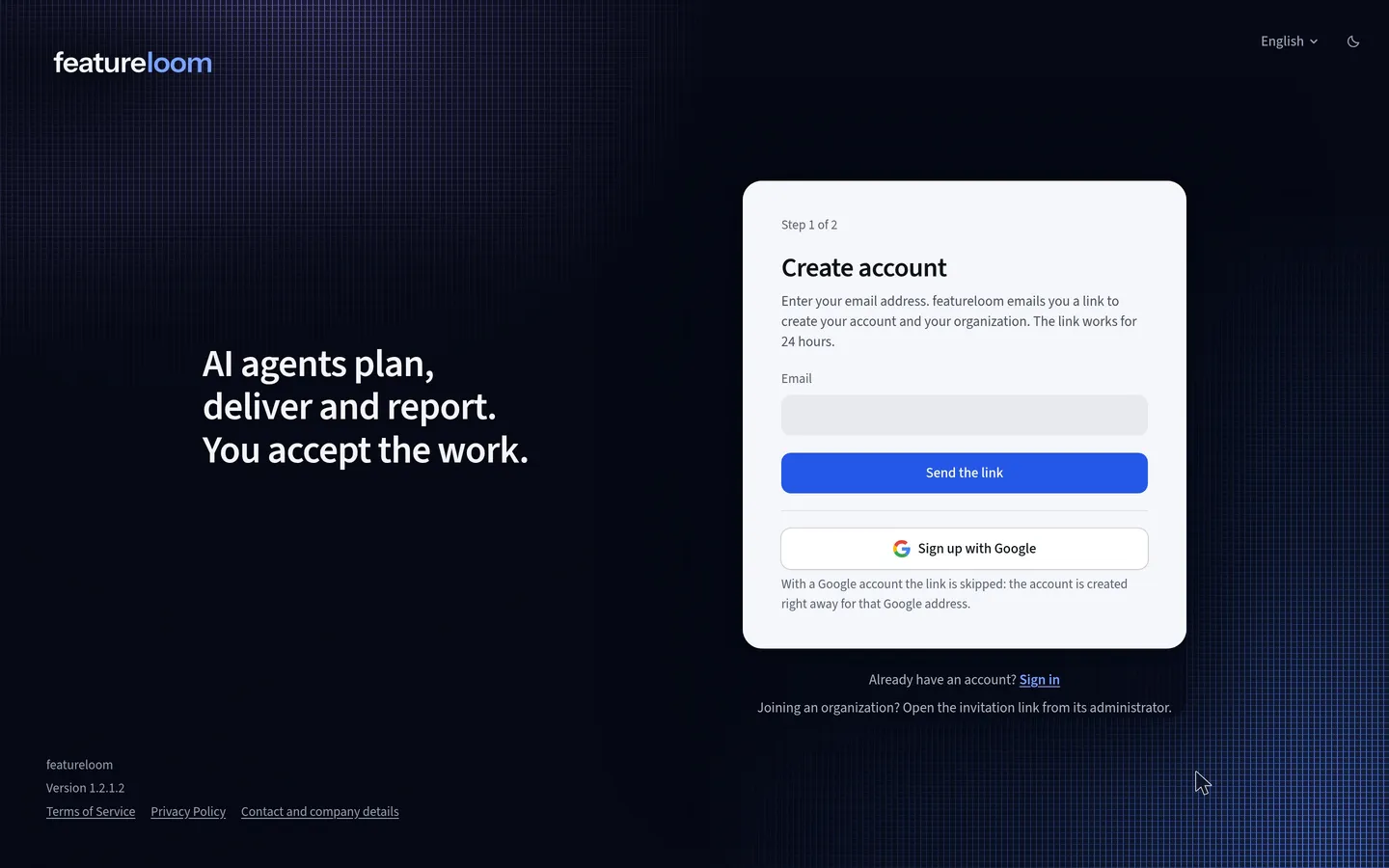 Play the film: Set up your organization
Contents
Send the link
On the Create account screen, type your email address and press Send the link. featureloom emails you a link that works for 24 hours.
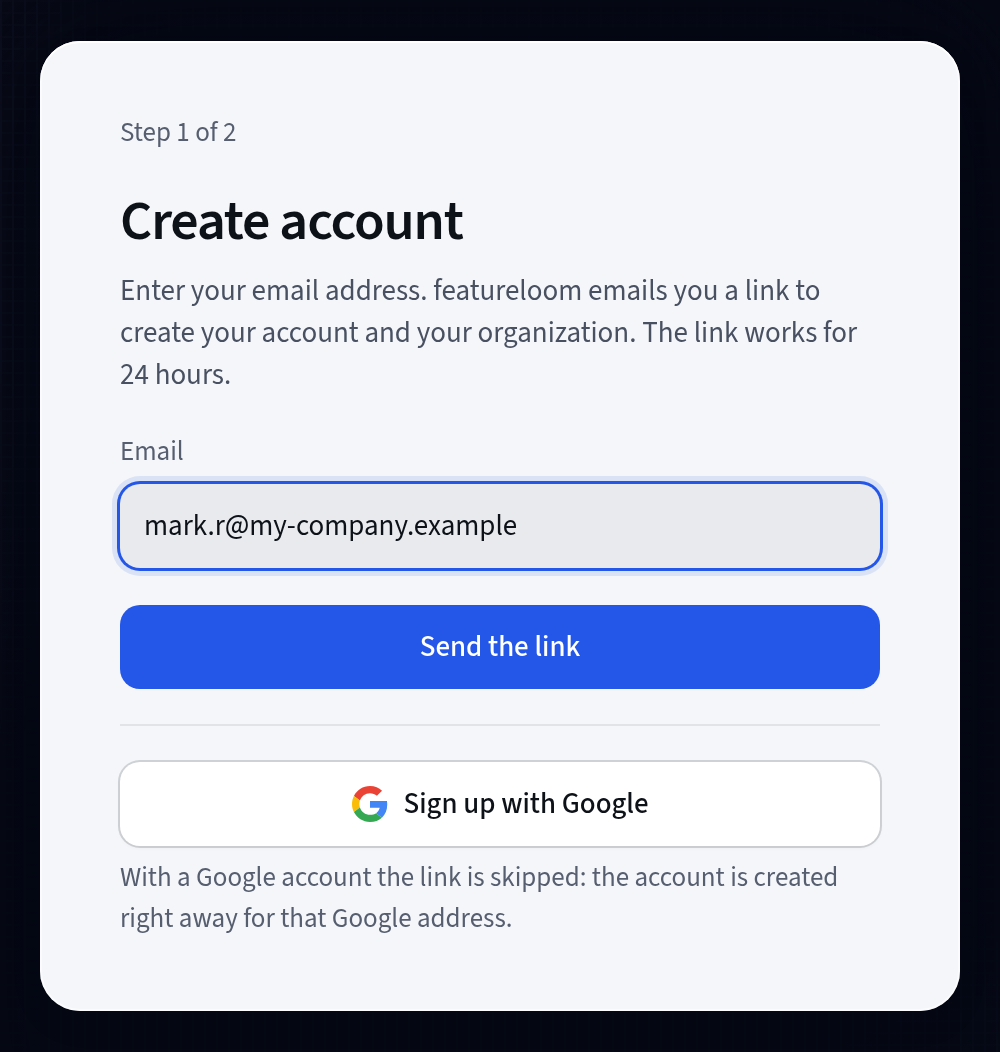
The address the link goes to Finish setting up
Open the link from the email. Type a display name and a password of at least 10 characters. featureloom suggests the organization name from your email address: check it and change it if you need to. It can be your company's name or your own.
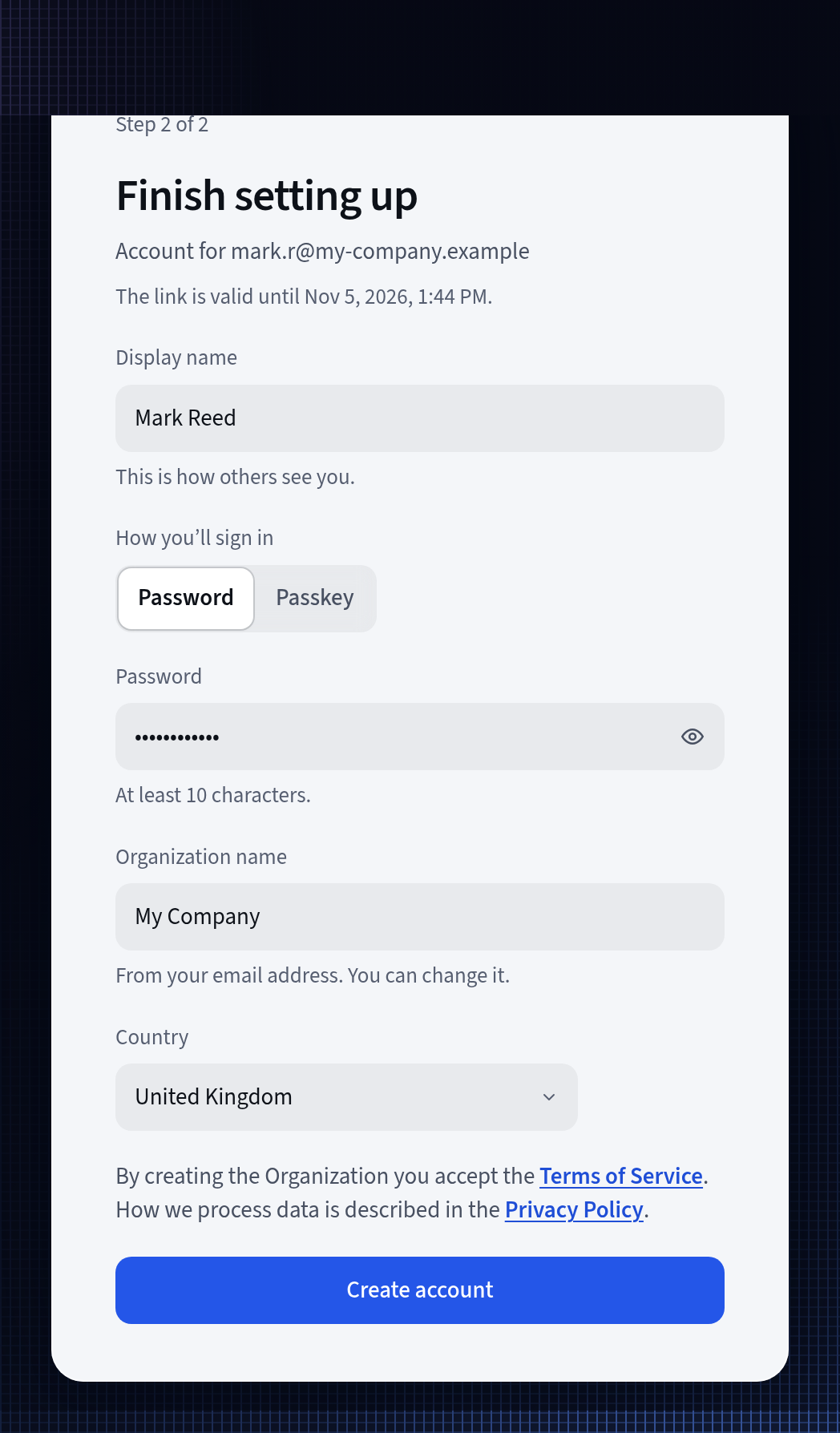
Your account and your organization on one screen Choose your country and create the account
Choose your country and confirm it. By creating the Organization you accept the Terms of Service. Press Create account.
Open START-1
The new organization already has the project Start, with the plan START-1, Get to know featureloom, on its board. Open it: the plan takes you further, from connecting your console to accepting your agent's work.
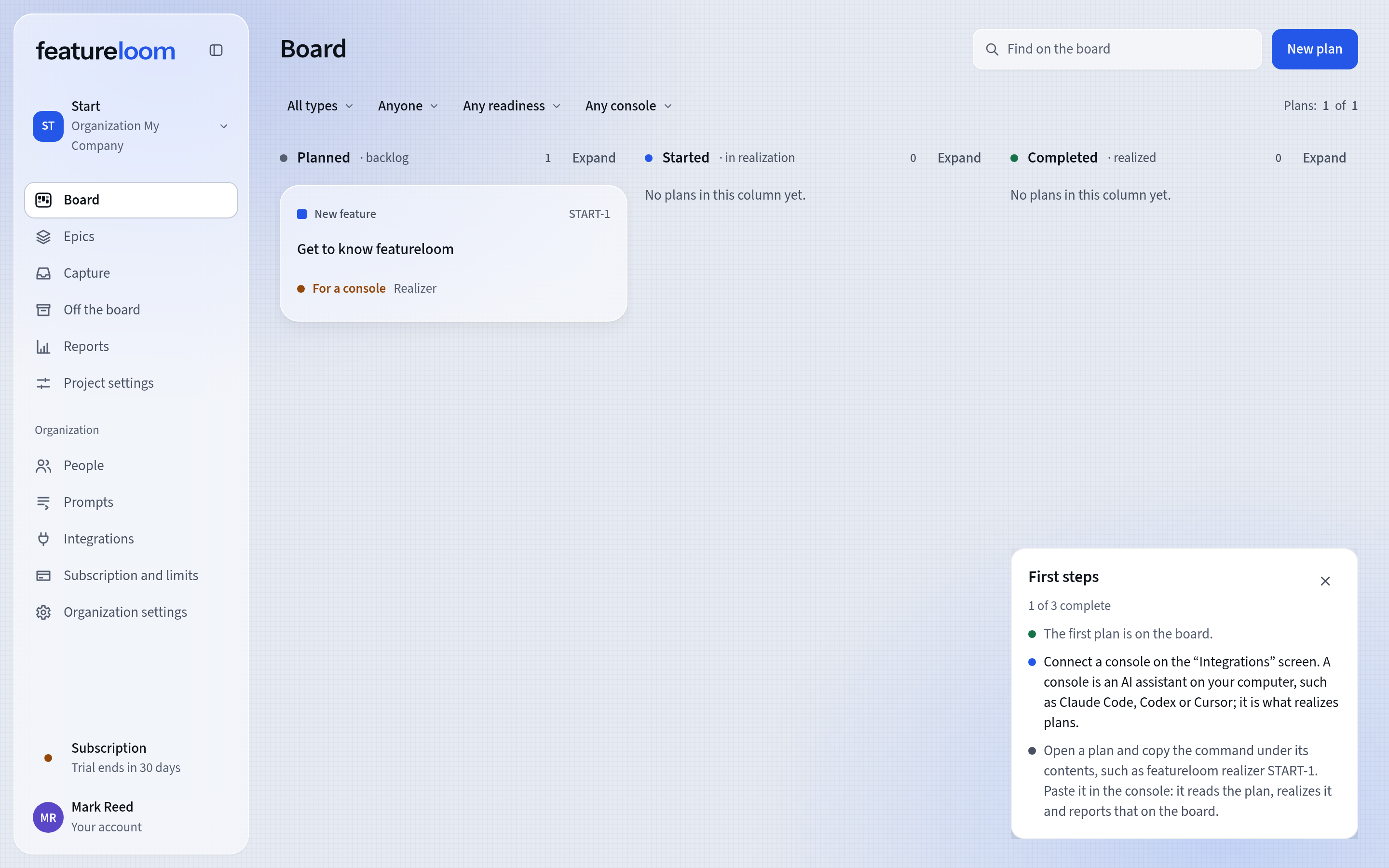
The new organization with the plan START-1
Good to know
- Every new organization also gets the Planner and Realizer prompts. You will find them under Prompts in the menu: you can change them or add your own.
- The First steps panel on the board shows what is left: connecting a console on the Integrations screen and its first command.
- Can't see the email with the link? Check your spam folder.
- Already have a featureloom account? The link asks you to sign in, and the new organization is created alongside the ones you already belong to. If your account has already founded as many organizations in trial as one person may, the link still works: use it once one of them has a subscription.
- You join an organization that already exists through an invitation from its administrator.
Updated: November 6, 2026
Next
Connect Claude Code with one command
Your organization is ready: connect your console. Working with Codex or Cursor? They have tutorials too.
See the tutorial