Subscription and billing · step 1 of 2
Subscription: the 30-day trial, paid seats and cancellation
The Subscription and limits screen says which plan the organization has, how long the trial lasts and what you pay for. It is also where you buy the subscription or cancel it.
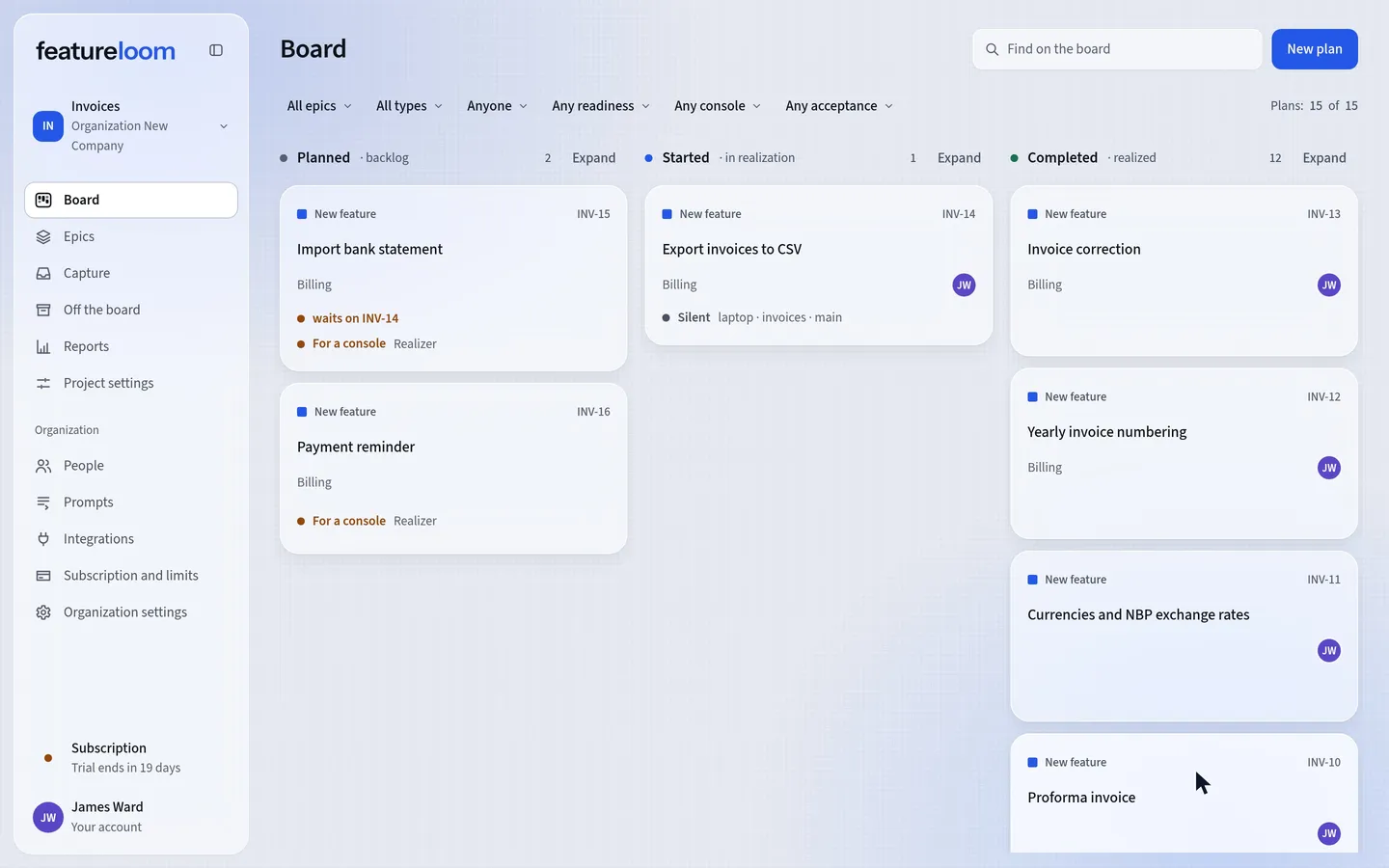 Play the film: Subscription: the 30-day trial, paid seats and cancellation
Contents
Open Subscription and limits
In the menu, open Subscription and limits. The first card names the plan in its title, for example Subscription: Team, and says which state the subscription is in and until when, with the number of days. Beside them are the paid seats, what they are made of, and the price by the price list.
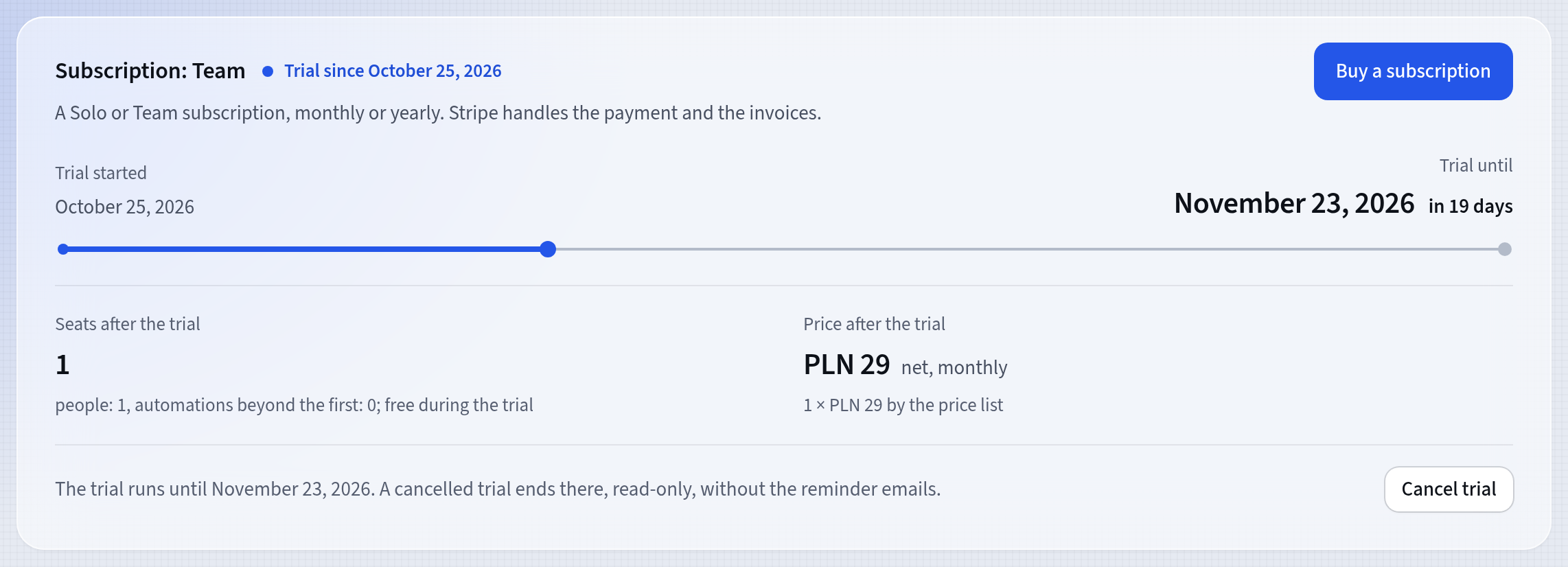
The plan, the state and the date on one card The trial runs for 30 days from sign-up, as on the Team plan, with a lower content and invitation limit, without a payment card. There is one trial per person. 7 days before it ends, a reminder email comes.
Check the paid seats and the limits
You pay for people: every person is a paid seat from accepting the invitation, the administrator included. The first enabled automation is part of the subscription, and each further one is another paid seat. Consoles are not seats: you have up to 10 at once. The Limits card shows how much of that the organization already uses.
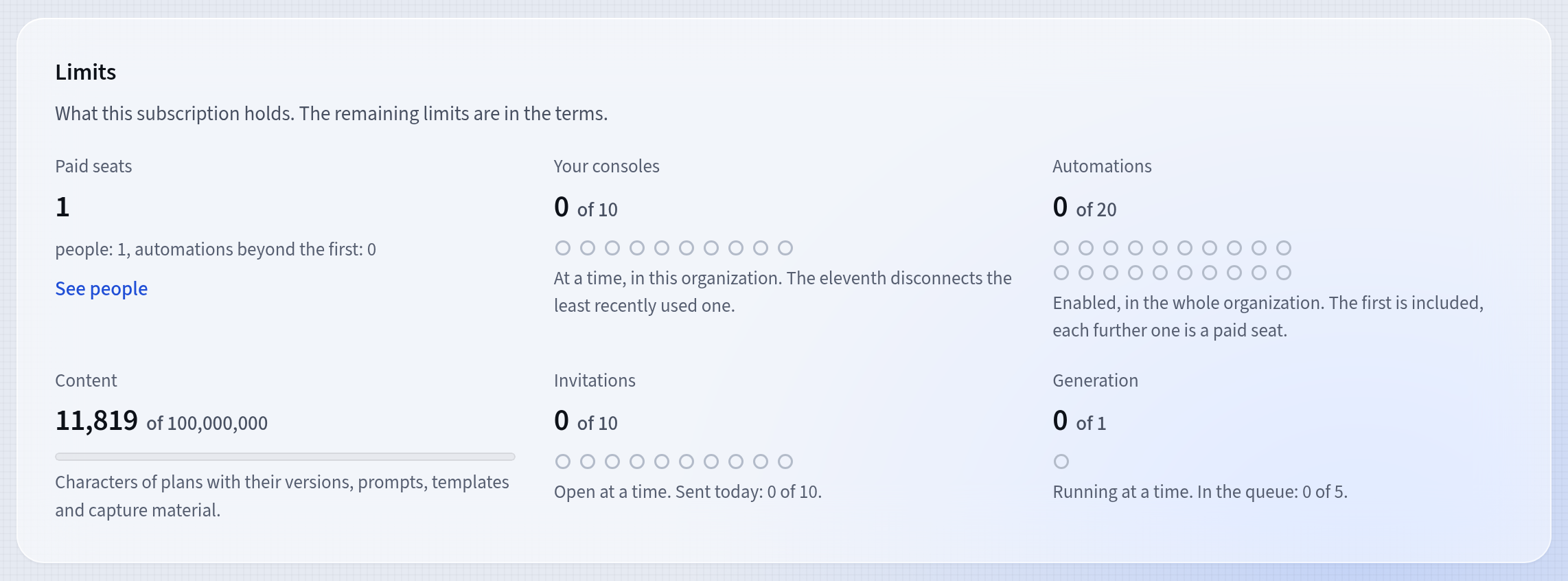
What the subscription holds The Solo plan holds one person and one automation. When you invite another person, you need the Team plan.
The same card also shows Content, Invitations and Generation. Content counts the characters of plans with their versions, prompts, templates and capture material. Invitations shows how many are open at a time and how many were sent today, and Generation how many generations are running and how many wait in the queue. As content nears the limit, featureloom warns you ahead of it. At the limit, saving plans, prompts, templates and capture material pauses: you can still read everything, deleting frees room, and an administrator can change the subscription.
Buy a subscription
An administrator presses Buy a subscription, chooses the Solo or Team plan and the billing period, Monthly or Yearly, then presses Go to payment. Stripe handles payment and invoices; you see the total with tax at checkout.
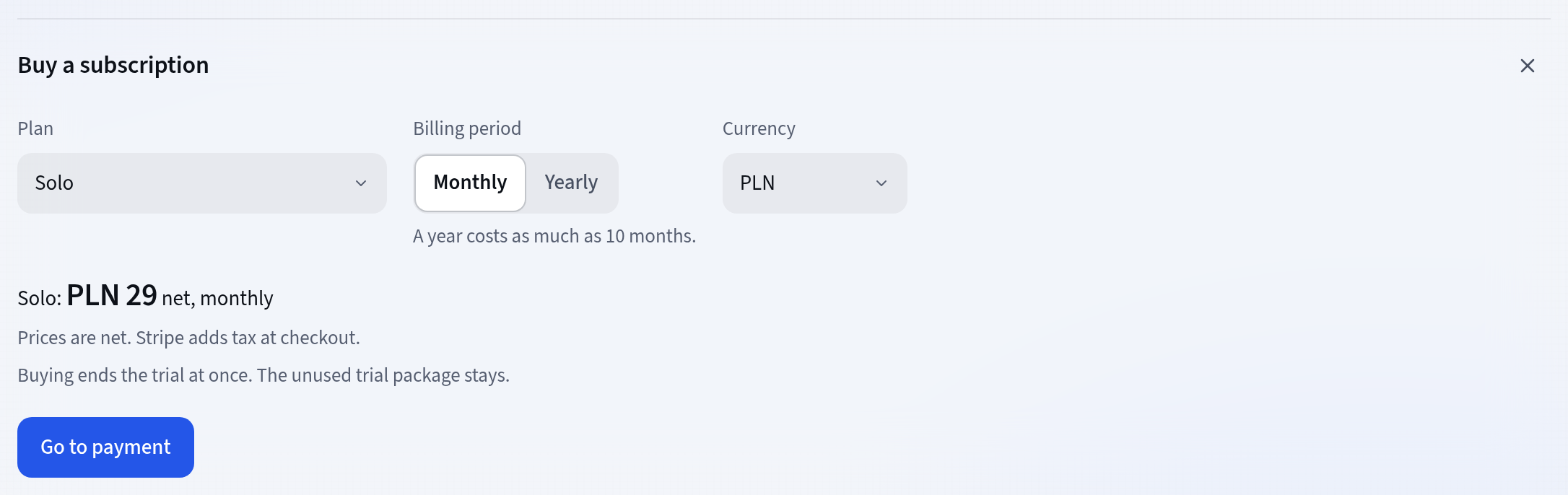
The plan and the billing period Buying ends the trial at once. The unused trial package stays.
Cancel when you want to
Cancelling is at the foot of the card: Cancel trial or Cancel subscription. The window says until when everything works and what comes after; you confirm with Cancel trial or Cancel subscription. The subscription does not renew and runs to the end of the paid period, and a trial to its end date. Until that day you take the cancellation back with Undo cancellation.

Cancelling to the end of the period What happens after the trial or the period ends
When the trial or the paid period ends, the organization becomes read-only. Browsing works, and an administrator can also export the data and delete plans, projects and prompts. A paid subscription brings writing back.
After 90 days of browsing alone the organization waits for deletion, and an email about it comes 14 days before. Until the deletion, the export still works.
Good to know
- Manage payments opens Stripe’s portal with the invoices and the payment method. When a payment is past due, the same button reads Change payment method.
- When a payment is past due, writing still works for 7 days. Then browsing remains until the payment goes through.
- Change subscription moves between the Solo and Team plans or changes the billing period. Moving to Team or to yearly is invoiced at once, with the unused time credited, and going back to Solo or to monthly counts from the next period.
- During the withdrawal period the card shows a “Withdraw from the contract” button by the purchase, and after you submit it, the refund status. The Purchases part under the balance keeps the history.
- The administrators named on the card manage the subscription. Everyone else sees the plan, the state and the paid seats there.
Updated: November 5, 2026
Next
Balance and the Plan generator: what is billed separately
The subscription pays for people. The only thing billed separately is the plans featureloom’s model writes in the app.
See the tutorial