Account and data · step 2 of 2
Export the organization as one ZIP file
An administrator downloads all of the organization’s data as one ZIP file, in markdown and JSON, also while the organization is read-only.
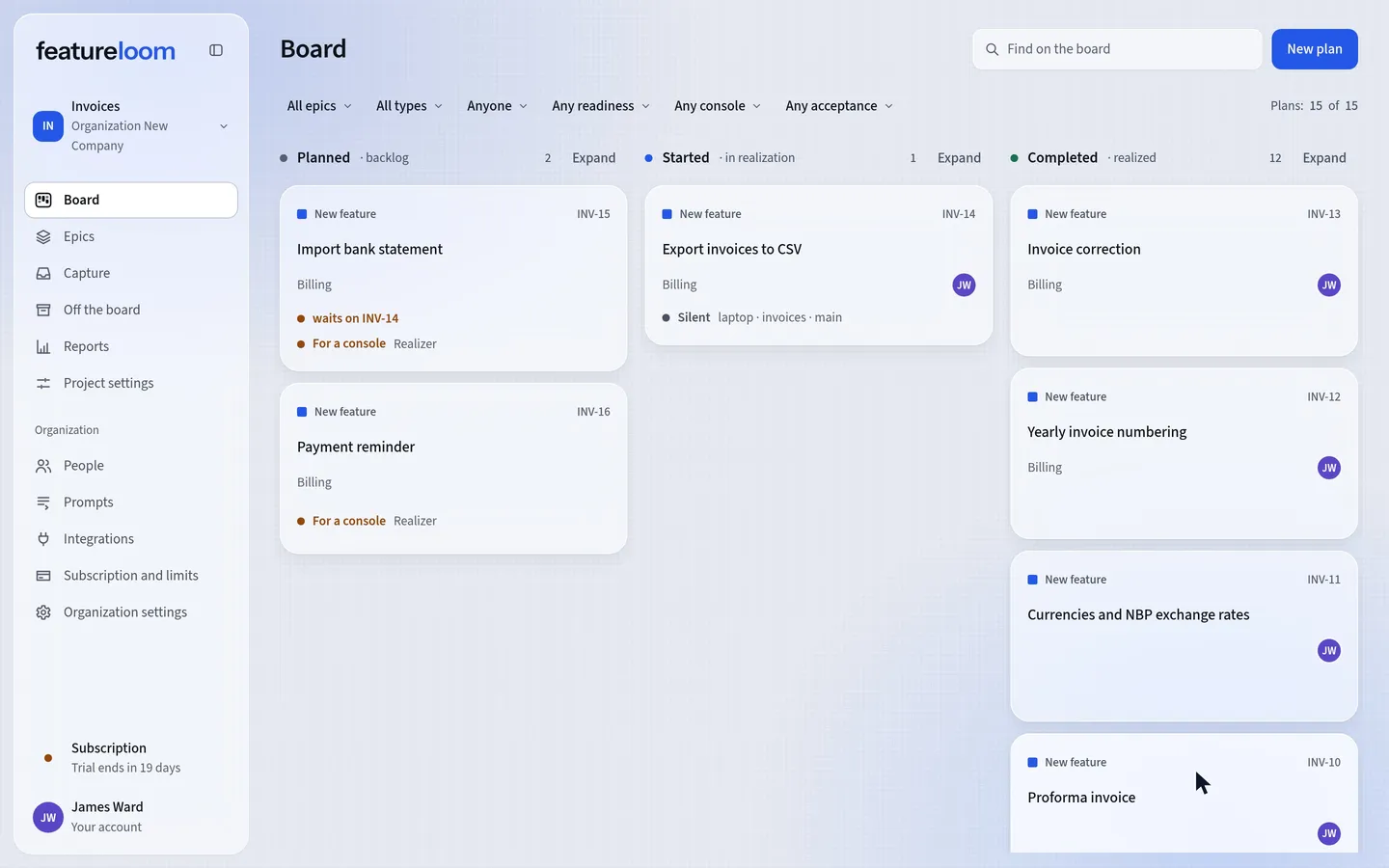 Play the film: Export the organization as one ZIP file
Contents
Download the export
In the menu, open Organization settings and the Organization data tab. In the Data export part, press Download export. featureloom first asks you to confirm with your password that it’s you, because all the data leaves with the file; it asks that once an hour.

The whole organization in one file Until the file has come whole, the button says it is preparing the export, and the browser saves the file only then. A download that breaks off saves nothing but, like a whole one, starts the pause before this organization’s next export. If you press Download export during the pause, featureloom tells you when to try again.
Look inside the archive
The file is named
featureloom-export-with the date and time of the export. At the start of the archive areREADME.md, which describes it, andmanifest.json, which lists everything the export holds, in JSON. Every plan has a folder inplans, with its document incontent.mdand its saved versions inversions. Prompts have their folders inprompts, and the capture sessions’ material the organization keeps is intranscripts.See what the export holds
The export holds the projects with their columns and plan template, the plans with every version featureloom keeps, together with their questions, acceptances and the history of their moves, and also the epics, the prompts with their versions, the capture sessions, the organization’s people, the balance with its entries, the model usage and the subscription with the history of its changes. The content of plans, prompts and material is exactly as it was saved in featureloom.
See what it does not hold
The export leaves out settings that are not the organization’s content: an automation’s rights and state, a console’s details beyond its name, open invitations, the Slack switches, the chosen model, and the networks consoles and keys connected from.
Good to know
- The export works in a read-only organization and in one waiting for deletion too. The email about an organization’s deletion leads to this very tab.
- The organization’s other administrators get an email saying who downloaded the export and when. When the same person downloads it again within 24 hours of that email, no further email goes out.
- The downloaded file holds the whole organization’s data: keep it as carefully as access to the organization itself.
Updated: November 5, 2026
Next
Tutorials
All featureloom tutorials are in one place.
See the tutorials