Account and data · step 5 of 5
Close an organization or delete your account
An administrator closes an organization when they are done with it, and a person who moves on leaves the organization and may delete their account. The closure can be undone until the organization is deleted; deleting an account cannot.
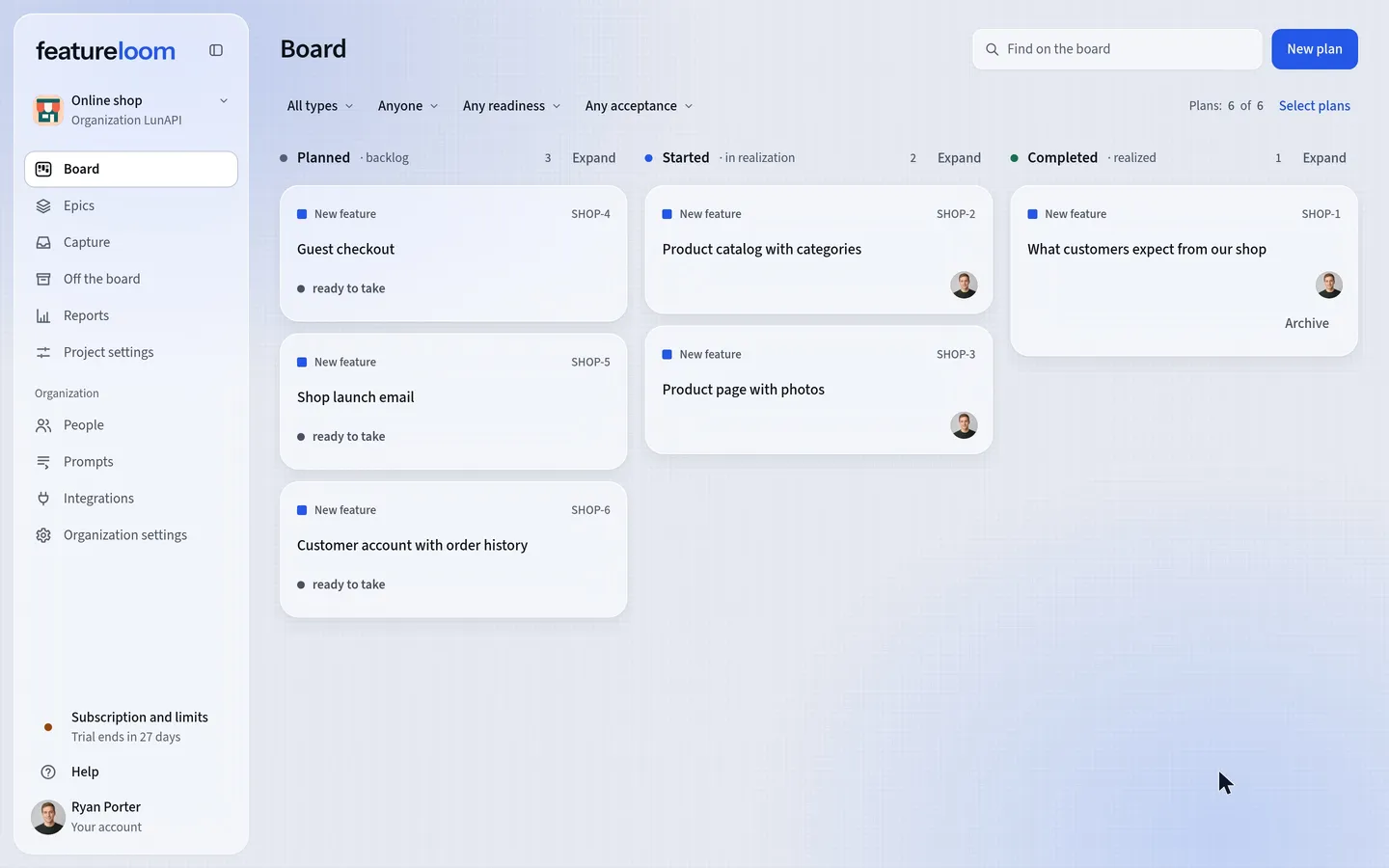 Play the film: Close an organization or delete your account
Contents
Download the export first
Before you close an organization, download its data. In the menu, open Organization settings and the Organization data tab, and in the Data export part press Download export. The export also works in an organization that is closing, until it is deleted.
Only want to stop paying? Cancelling the subscription is enough: you keep using it to the end of the paid period, and the organization stays.
Close the organization
At the bottom of the same tab, in the Closing the organization part, press Close organization. The Close organization button in the organization’s row on the Your account screen, in the Organizations part, leads here too.
What happens appears under the button. The organization becomes read-only at once: browsing, the export and deleting stay, and nobody new joins. 30 days after the confirmation featureloom deletes the organization whole, and backups holding its data disappear after 6 months at the latest. Emails about the closure, and 7 days and 1 day before the deletion, go to the administrators.
The subscription does not renew, and a paid one ends with the organization’s deletion at the latest. About money, the text there says: featureloom refunds nothing, beyond the cases of the Terms of Service and of the law. A business’s unused balance is forfeited with the organization’s deletion; a consumer gets a refund for the paid, unused part of the balance on request.
Confirm with Close organization. featureloom may first ask you to confirm it’s you.
You are the only person in the organization and belong to no other? The button then reads Close organization and delete account, and you confirm with Close and delete account: the organization goes together with your account, 27 days after the confirmation.
Undo the closure if you change your mind
Until the deletion day, the Closing the organization part shows since when the organization is read-only and when it will be deleted. The Undo closure button brings the organization back, and access follows the subscription again.
Leave an organization
Moving on from an organization that stays? Press your name in the menu on the left, choose Your account and, in the Organizations part, press Leave beside that organization. What happens appears under its row: confirm with Leave.
You lose access to it at once, and your account’s consoles in that organization stop working. The account stays, and an administrator can invite you again. When Emma leaves LunAPI, for example, the screen says: You left the organization LunAPI.
Delete your account
You can delete your account once it belongs to no organization. On the Your account screen, in the Delete account part, press Delete account, then Delete permanently. While the account belongs to an organization the button is not there, and a sentence in that part says what to do first.
Deleting an account cannot be undone. The account, its ways to sign in and its signed-in devices go at once, its consoles stop working, and your display name leaves the signatures. Backups holding the account’s data disappear after 6 months at the latest. An email confirms it.
Good to know
- An account that belongs to no organization is also deleted by featureloom on its own, not before the day the screen gives. An email comes at least 14 days ahead.
- An Enterprise organization is closed by the featureloom operator once the contract ends.
- Refunds and the unused balance are in § 8 of the Terms of Service. When closing an organization isn’t available, ask for it by email at the address the Terms of Service give; leaving an organization and deleting an account without one still work.
- How to cancel the subscription without closing the organization is in the tutorial Subscription: the 30-day trial, paid seats and cancellation.
- What the export holds is in the tutorial Export the organization as one ZIP file.
Updated: November 22, 2026
Next
Tutorials
All featureloom tutorials are in one place.
See the tutorials